Ever sat down to binge your favorite show only to realize your TV is about as smart as a brick? When it comes to Hisense TVs and their apps, that’s not an issue. These clever devices are packed with options that’ll keep you entertained for hours. Think of them as your personal entertainment assistants, minus the coffee runs. In this guide, we’ll explore everything you need to know about Hisense TV apps, ensuring you make the most out of your viewing experience.
Understanding Hisense Smart TVs
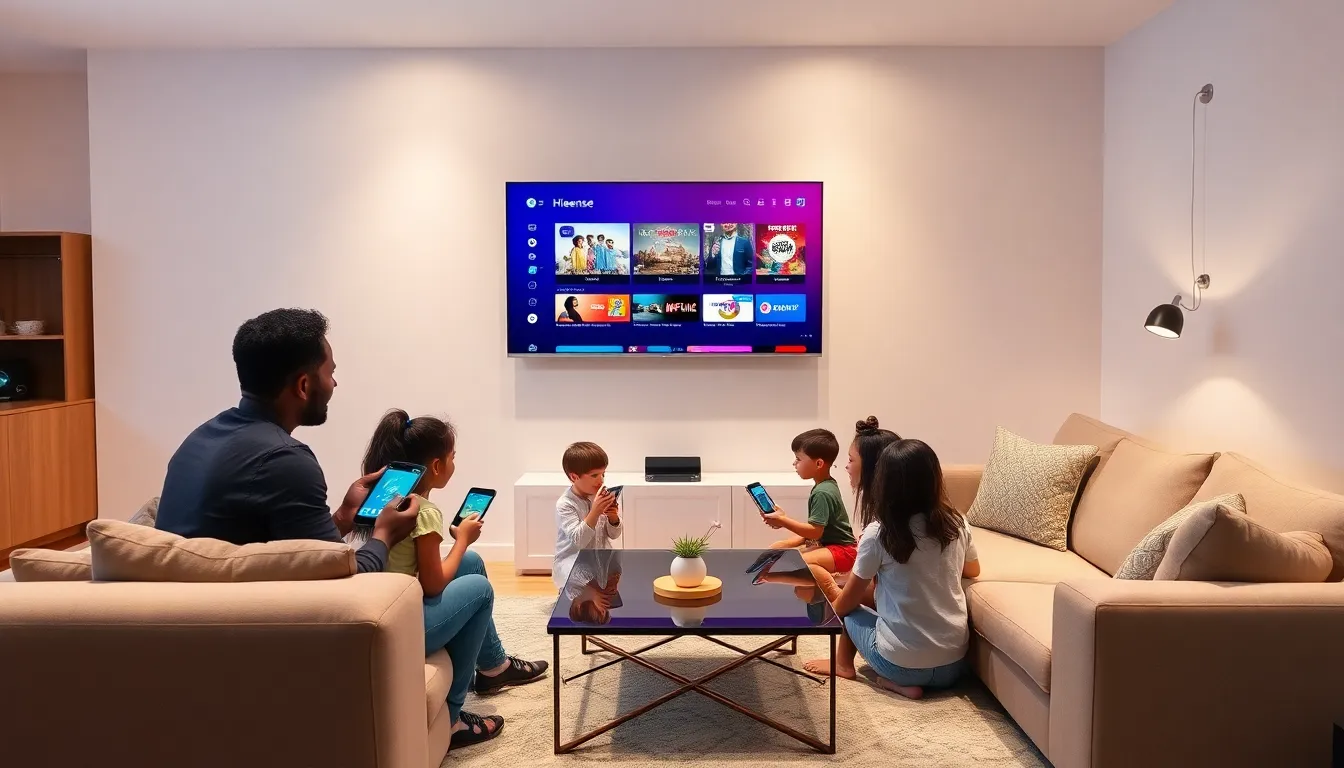
Hisense Smart TVs have rapidly made a name for themselves in the competitive electronics market. They come equipped with an array of features, promising not just superior picture quality but also an intuitive user experience.
At their core, these TVs offer seamless internet connectivity, allowing users to access a world of streaming options, useful apps, and online services. Hisense has integrated various operating systems, so it’s essential to understand what your TV uses. Some models run on Android TV, while others use the VIDAA smart platform. Each of these platforms boasts its own app marketplace, allowing for flexibility in choosing apps tailored to the user’s needs.
With built-in Wi-Fi and support for various formats and resolutions, Hisense TVs are designed for today’s viewing demands, making them suitable for everyone from casual viewers to hardcore gamers.
Key Features of Hisense TV Apps
One of the standout characteristics of Hisense TV apps is the sheer variety they offer. Users can explore streaming services like Netflix, Hulu, and Disney+, along with niche options tailored to specific interests. The intuitive layout ensures that navigating between apps feels effortless.
Also, seamless integration with voice assistants is a game changer. Users can control their TVs with simple voice commands, turning the device into an interactive hub for homes. Picture this: instead of hopping around menus, you simply say, “Play my favorite show,” and voila. The magic happens.
Also, many Hisense TVs feature screen mirroring options. This allows users to share content from their smartphones or tablets directly onto the TV screen, perfect for showcasing photos during family gatherings or sharing the latest cat video, because let’s be honest, those are always a hit.
Top Apps Available for Hisense TVs
Navigating the world of apps is one of the best parts of owning a Hisense TV. Here’s a rundown of some must-have apps that elevate the viewing experience:
Netflix
A classic in the realm of streaming, Netflix remains a favorite, offering countless films, shows, and documentaries for binge-watching.
YouTube
Ideal for everyone, this app provides a vast library of user-generated content, from DIY tutorials to funny animal clips, ensuring endless entertainment.
Hulu
With its impressive range of current shows and classic series, Hulu is a must-download for fans of both old favorites and new releases.
Amazon Prime Video
More than just a shopping platform, Prime Video is a treasure trove of movies and original content, available for subscribers.
Disney+
Perfect for families, Disney+ boasts a rich collection of beloved classics and new content across Disney, Pixar, Marvel, and Star Wars franchises.
Games
Don’t overlook gaming apps like KODI or native games available through the Hisense store. They provide a different type of entertainment that can be enjoyed solo or with family.
Installing and Managing Apps on Hisense TVs
Getting new apps on a Hisense TV is a breeze. For models running Android TV, users can simply visit the Google Play Store, search for the desired app, and hit ‘Install.’ It’s that straightforward. On the VIDAA platform, users can access the appstore directly from the home screen, making new downloads quick and easy.
Managing apps is just as simple. For those looking to uninstall an app they no longer use, select the app in question, go to settings, and confirm the removal. This streamlining ensures that users can maintain a clutter-free interface, focused solely on the apps they love.
Troubleshooting Common Issues with Hisense TV Apps
Even the best technology can run into hiccups now and then, and Hisense TVs are no exception. Here are some common issues and how to resolve them:
App Not Opening
If an app refuses to launch, try resetting the TV or uninstalling and reinstalling the app. This often clears any glitches and allows for smoother operation.
Slow Performance
If the TV feels sluggish, check for updates. Keeping the software current can significantly improve performance by optimizing app functionality.
Connectivity Issues
In cases of poor streaming quality or connection problems, consider rebooting the router or reconnecting to the Wi-Fi network. Also, ensure no other devices are hogging bandwidth, as this can slow down performance.
App Crashing
This can be frustrating. If an app crashes often, check for updates for that specific app or consider uninstalling and reinstalling it.
The Future of Apps on Hisense TVs
As technology evolves, so too do the apps available on Hisense TVs. There’s a clear trend toward more interactive and personalized experiences, shifting from passive viewing to active engagement. Expect to see an increase in applications utilizing augmented and virtual reality for a more immersive entertainment experience.
Also, the integration of smart home capabilities is set to rise, allowing users to control smart home devices directly through their TV. Future updates might also enhance their AI capabilities, making content suggestions even more tailored to individual viewing habits, so enhancing the overall satisfaction of Hisense TV users.